96 posts tagged with "React Native"

Articles related to React Native

View All Tags

Building Offline-First React Native Apps

· 9 min read
Full Stack Developer
Last updated on February 20, 2022

The Async Storage is a simple key-value pair based storage system in React Native. It is used for scenarios where you want to save the user’s data on the device itself instead of using any cloud service, such as building offline apps. According to the React Native’s official documentation:

On iOS, AsyncStorage is backed by native code that stores small values in a serialized dictionary and larger values in separate files. On Android, AsyncStorage will use either RocksDB or SQLite based on what is available.

Implementing Dark Mode in React Native

· 8 min read
Full Stack Developer
Last updated on February 15, 2022

react native dark mode

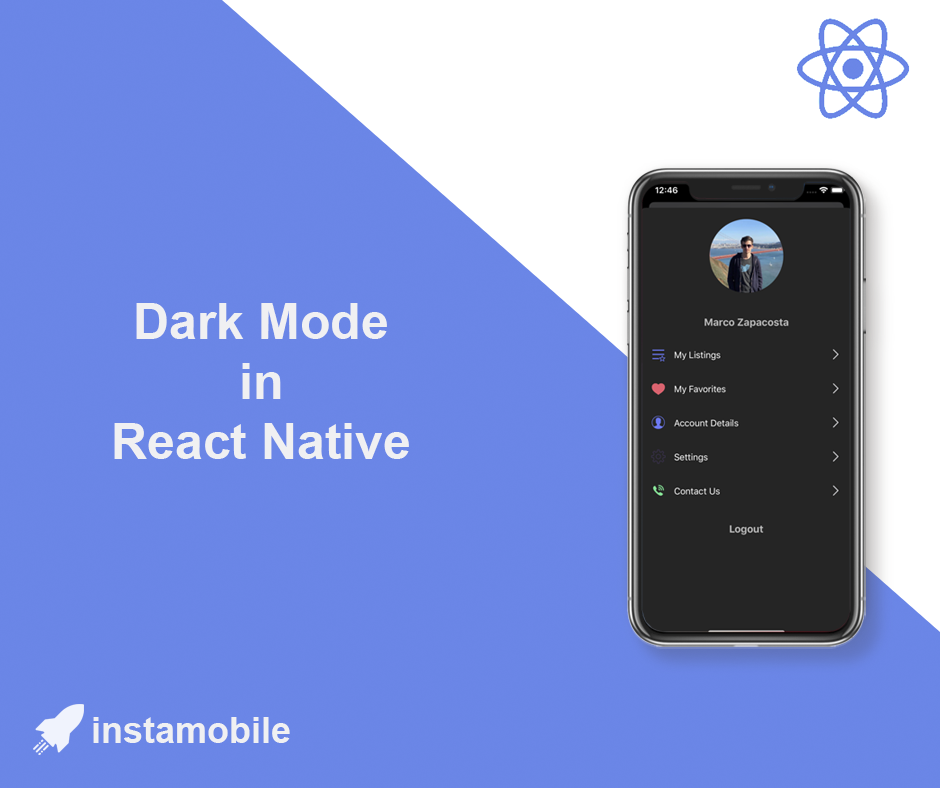
In this tutorial, we are taking a look at how to detect and support dark mode in React Native apps. You are going to build a small demo app that sets its appearance based on the platform OS. The platform OS will have two theme modes, dark or light. By default, when the app will start, it is going to have the theme based on the platform OS but the user is going have an option to toggle between the themes.

React Native Hooks: A Complete Guide

· 9 min read
Full Stack Developer
Last updated on February 4, 2022

react hooks

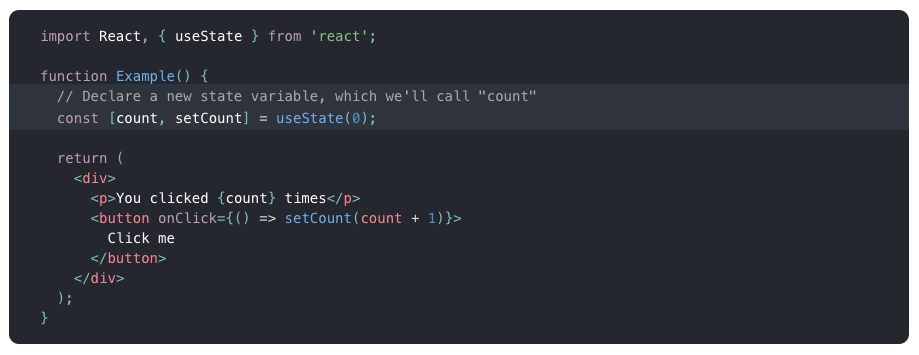
In this tutorial, we are going to give a quick introduction to React Native hooks. Hooks in React are available since the version 16.7.0-alpha. These functions allow us to use React state and a component’s lifecycle methods in a functional component. If you are familiar with React, you know that the functional component has been called as a functional stateless component. Not any more.

How to Add App Icons in React Native

· 5 min read
Full Stack Developer
Last updated on May 6, 2026

The app icon is one of the first production assets you should replace before submitting a React Native app to the Apple App Store or Google Play. It appears on the home screen, app stores, settings screens, notifications, search, and device launchers.

This guide explains how to replace icons in a React Native app with native iOS and Android projects.

react native app icon

React Native AWS S3 Integration

· 9 min read
Full Stack Developer
Last updated on October 28, 2021

react-native-aws-s3-bucket

In this tutorial we will build a React Native app that allows users to upload images and videos from their camera and photo library directly into a AWS S3 bucket. As AWS is the leader of cloud providers, a huge part of the React Native ecosystem is using AWS as the backend for their app. With the release of AWS Amplify, using AWS as backend for a React Native app has never been easier to implement.

Walkthrough Screens in React Native

· 9 min read
Full Stack Developer
Last updated on October 10, 2021

Walkthrough React Native

An App Walkthrough Screen is a slider screen which allows the user to learn everything about the features of a mobile app when they open the application for the first time. We can implement this feature in a React Native application in multiple ways. In this React Native tutorial, we describe how we implemented the Walkthrough Screens in all of our React Native Templates so that you can speed up your app development by reusing our open source code.

Optional Imports in React Native

· 5 min read
Full Stack Developer
Last updated on May 17, 2026

Optional imports are useful when a React Native app has platform-specific code, feature-gated screens, optional assets, or native modules that should only load in one environment. They are also easy to misuse. Metro still needs to know what files can be bundled, so arbitrary runtime strings are not a good import strategy.

optional imports

Push Notifications in React Native with Firebase

· 5 min read
Full Stack Developer
Last updated on May 18, 2026

push notifications react native firebase

Push notifications are one of the highest-leverage features in a React Native app, but they are also easy to get wrong. Firebase Cloud Messaging can deliver messages to Android and iOS, but iOS still depends on APNs, modern Android requires runtime notification permission, and every production app needs a trusted backend to send notifications.

This guide focuses on the current architecture: the mobile app requests permission and stores device tokens; Firebase owns delivery; your backend sends messages with Firebase Admin SDK or FCM HTTP v1.